A little more personal.
A little companion.
For your everyday.
On your iPhone. On your wrist. Turn a thought into a note, a plan, or a checklist with a companion you make your own.
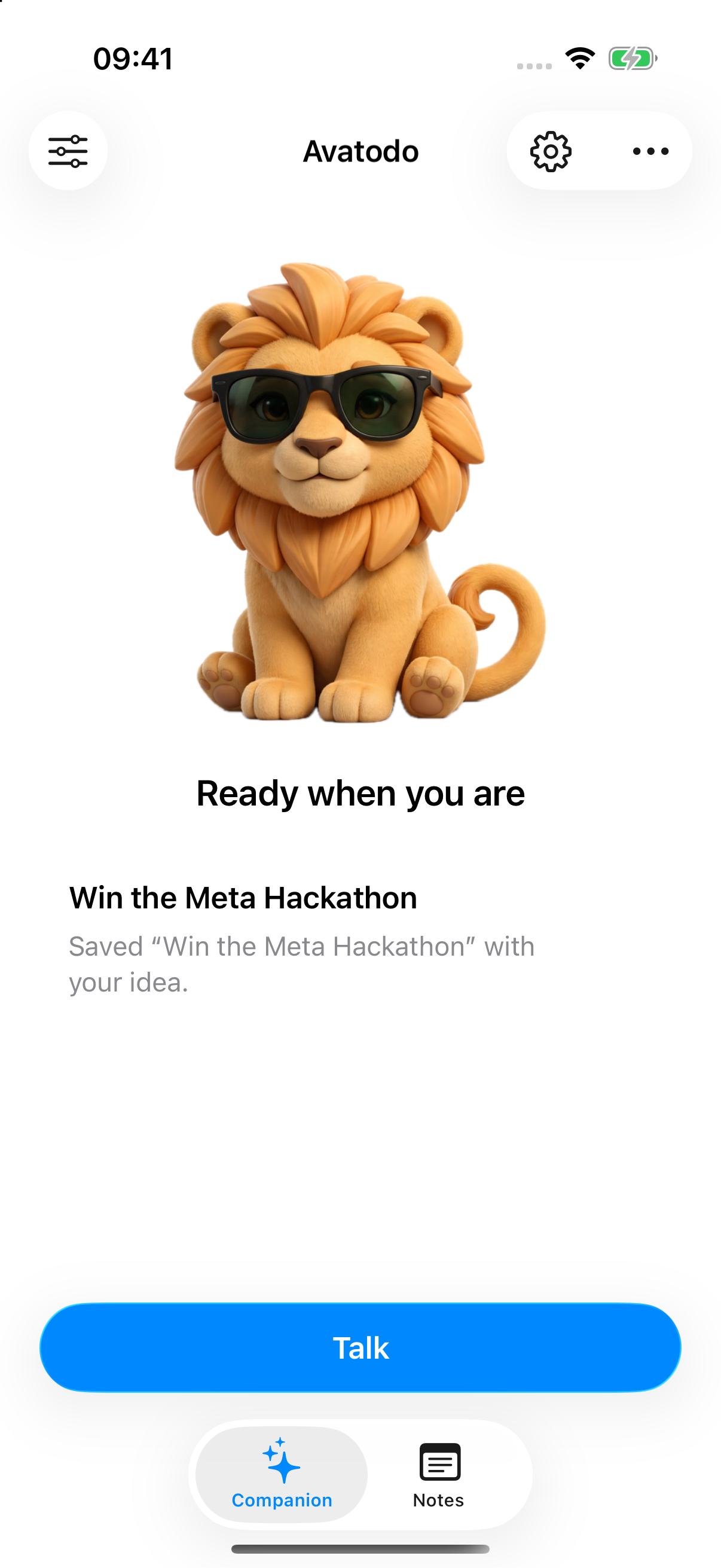
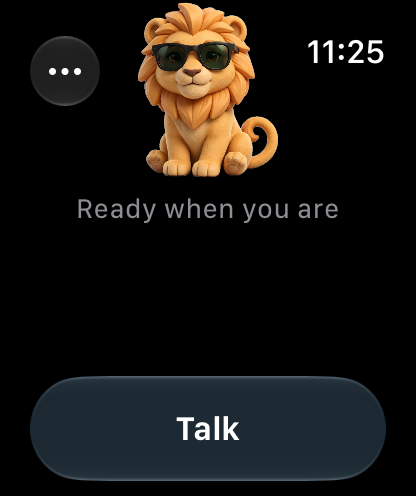
Thoughts have a place to land.
For the ideas.
The errands.
The everyday.
A note when inspiration strikes. A list for the grocery run. Or a quick conversation, with nothing to save.
Things to ask your companion
“Save my idea for the hackathon.”
Keep a thought as a note. Open it later and choose Update this note to add more.
“Add oat milk to my grocery list.”
Create a checklist, change an item, or check things off. Your saved list stays in Notes.
“Hey, how are you doing?”
Just talk. A normal reply doesn’t make a note or fill up an archive.

A familiar little face.
Start with the lion.
Make it your own.
Keep the Avatodo lion, or describe your own companion. Muse Image creates the artwork; Avatodo prepares it and brings it to life with gentle animation on your devices.
One companion, shared across your iPhone and Apple Watch.
Simple by design.
Your phone is
home base.
No Avatodo account. No Avatodo server to set up. Just the app, your notes, and your own connection to Meta.
- Notes saved on your iPhone.
- Your ideas, tasks and checklists live in the app. You can open and edit them directly.
- Your key. A direct connection.
- Your Meta API key stays in iPhone Keychain. Relevant messages, note context and character descriptions go directly to Meta. Model access is required, and provider usage charges may apply.
- A conversation, without an archive.
- Start fresh any time. Conversation clears after five idle minutes; your saved notes stay.

A little preview of what’s next.
Make yourself
at home. Soon.
We’re preparing a public TestFlight beta so you can try Avatodo without building it. The app source and developer setup guide will also open with the hackathon submission.
See what Avatodo doesInstall through TestFlight.
Once the beta is approved, a public invitation here will let you join and install it yourself. No Xcode or individual invitation needed.
Bring your own Meta connection.
The release uses your own key for Muse Spark and Muse Image. There’s no Avatodo backend to deploy.
Make your companion yours.
Keep the lion or describe your own. Start with a thought, a list, or a hello.
TestFlight setup and voice testing on physical devices are in progress. The public beta requires Apple’s approval; no install link is available yet. Source and developer setup instructions are planned for the hackathon submission.